

Merchandise. And organize.
Collections power campaigns and featured groups. Categories build the hierarchical taxonomy of your catalog. Both share search, sort, rich descriptions, images, and staged product linking — so merchandising and structure stay clear.
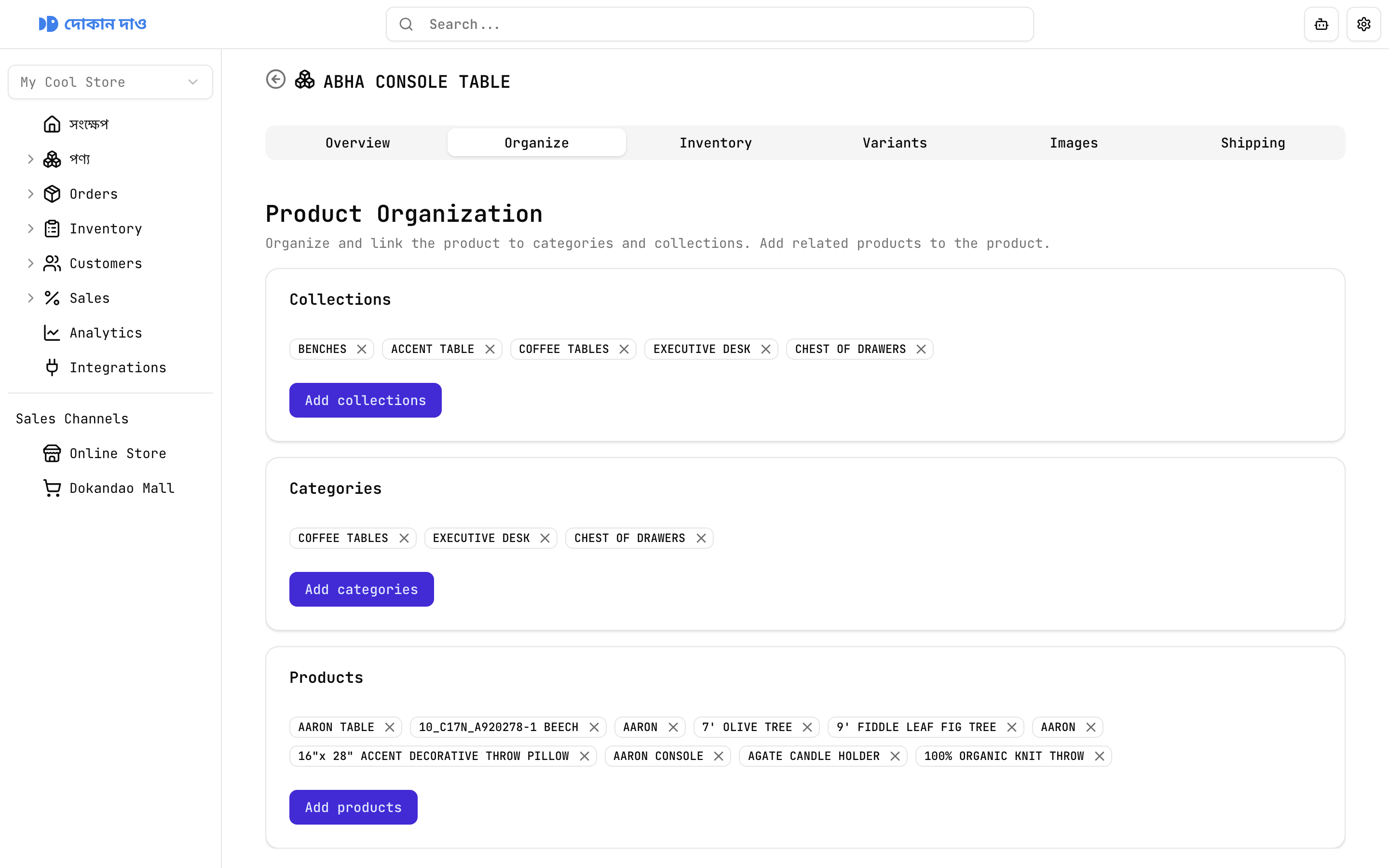
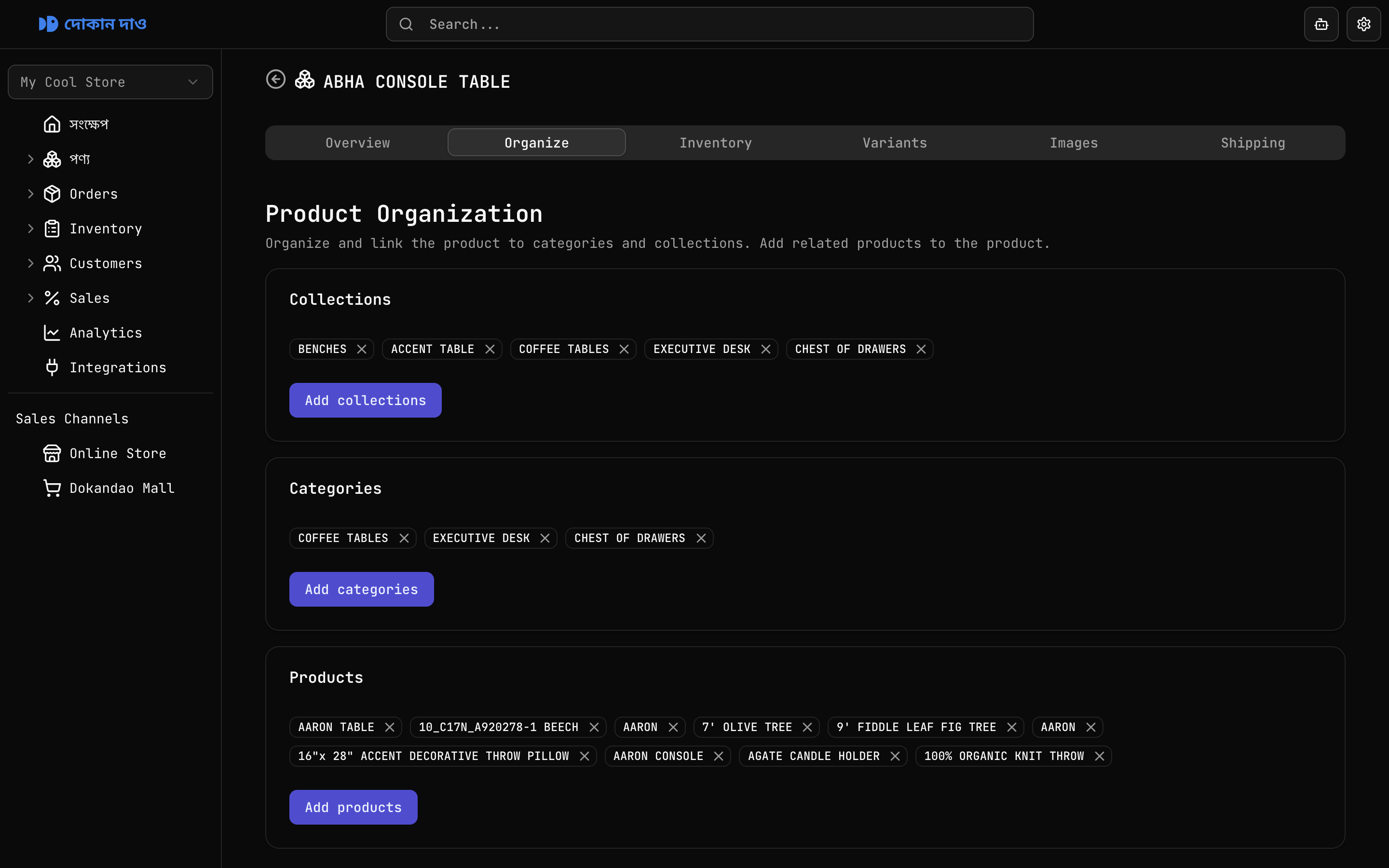
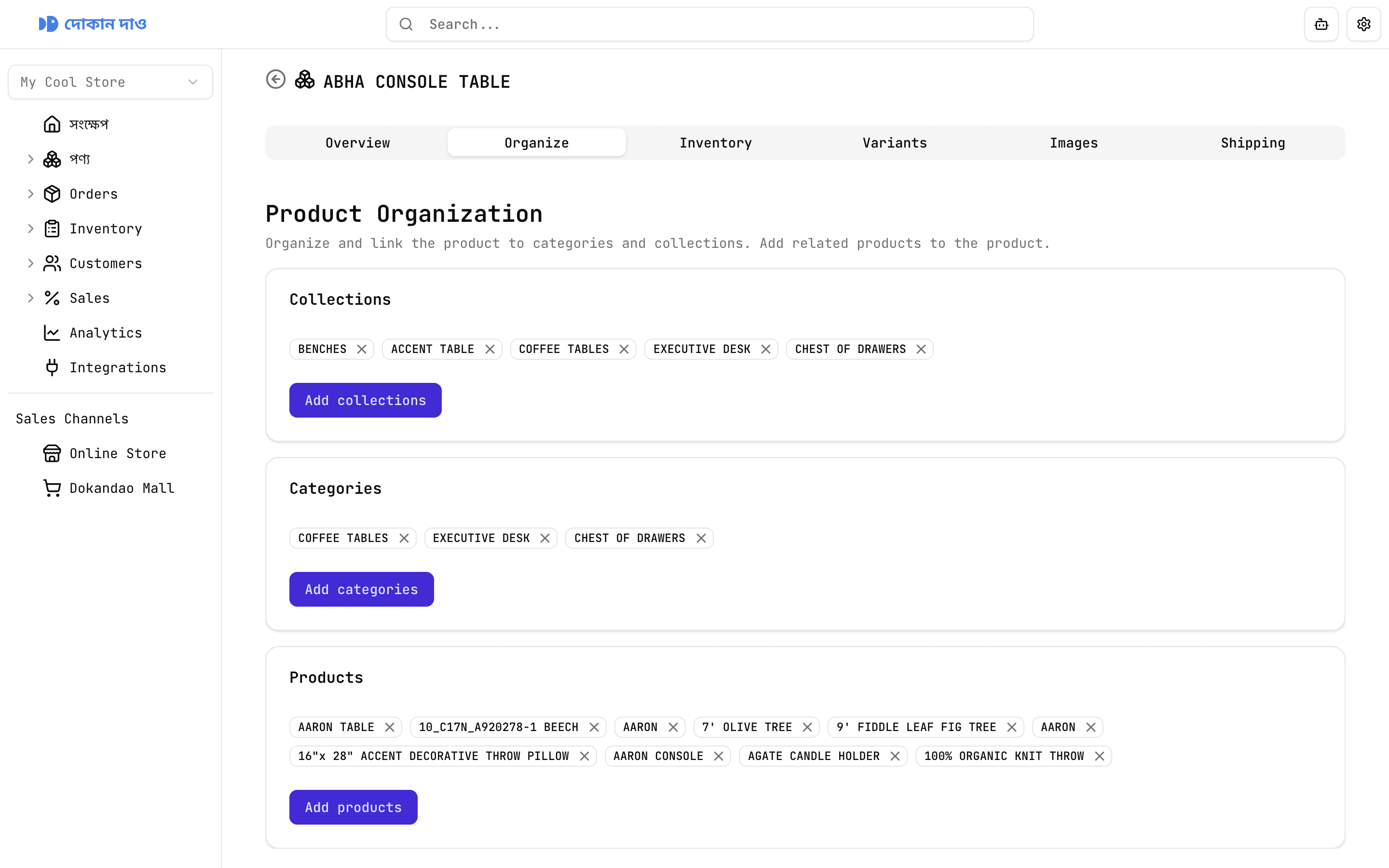
Build campaign-ready collections like Summer Sale or Eid Picks with a name, rich-text description, and hero image.
Two ways to structure your catalog
List pages
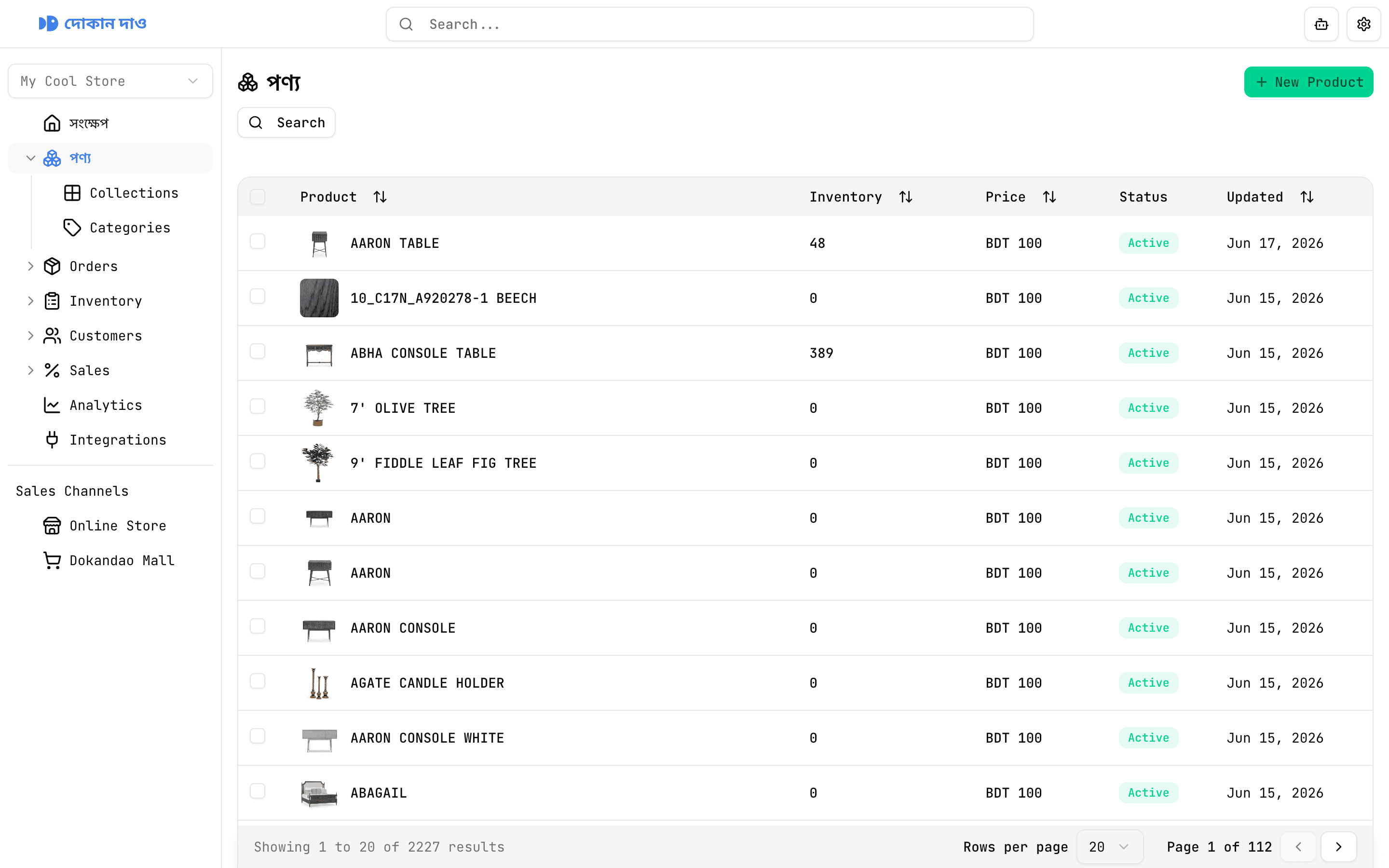
Find every collection and category
Search & sort
Search by name and sort by collection/category or last updated date across paginated lists.
Clear list columns
See image, name, description, and updated date at a glance — the same list UX for both entity types.
Create in one form
Add a name, required rich-text description, and image. Create pages are single-form workflows; tabs appear on detail.
Hero imagery
Upload a collection or category image for storefront merchandising and visual recognition in the admin.
Rich descriptions
Full formatting toolset — headings, lists, bold, italic, alignment, and more — on every create and overview screen.
Row selection
Select individual rows or every row on the page — ready for bulk workflows as the platform grows.
Collections for campaigns. Categories for structure.
Sibling classifications with shared editing patterns — and one key difference: categories nest into subcategory trees, while collections curate products and categories for merchandising.
Curated merchandising groups
Build campaign-ready collections like Summer Sale or Eid Picks with a name, rich-text description, and hero image. Use them to spotlight products without changing your taxonomy.
Collections
Campaign-ready merchandising groups
Create curated groups such as Summer Sale or New Arrivals. Edit details on Overview, then use Organize to link products and categories. Products link back bidirectionally from their own Organize tab.
Categories
Hierarchical taxonomy that scales
Build lasting catalog structure with name, description, and image — then nest subcategories and assign products from Organize. Searchable, multi-select selectors stage every relationship before you confirm.
A clearer catalog for shoppers and staff
Without Dokandao
Campaigns and permanent departments mixed into one messy tag list
No subcategory trees — every department lives in a flat list
Relationships edited by guessing names in spreadsheets
Storefront navigation that does not match the admin catalog
With Dokandao
Collections for merchandising, categories for taxonomy — both link to products
Hierarchical category → subcategory linking that mirrors how you stock and sell
Staged selectors with search, multi-select, pagination, and a clear Done confirm
Shared collections and categories that products, campaigns, and the storefront can reuse