

Know what's available. At every location.
Track stock by product, variant, and warehouse — from the global inventory view to per-location records, reserved holds, and fulfilment picking. Stop promising products your team cannot deliver.
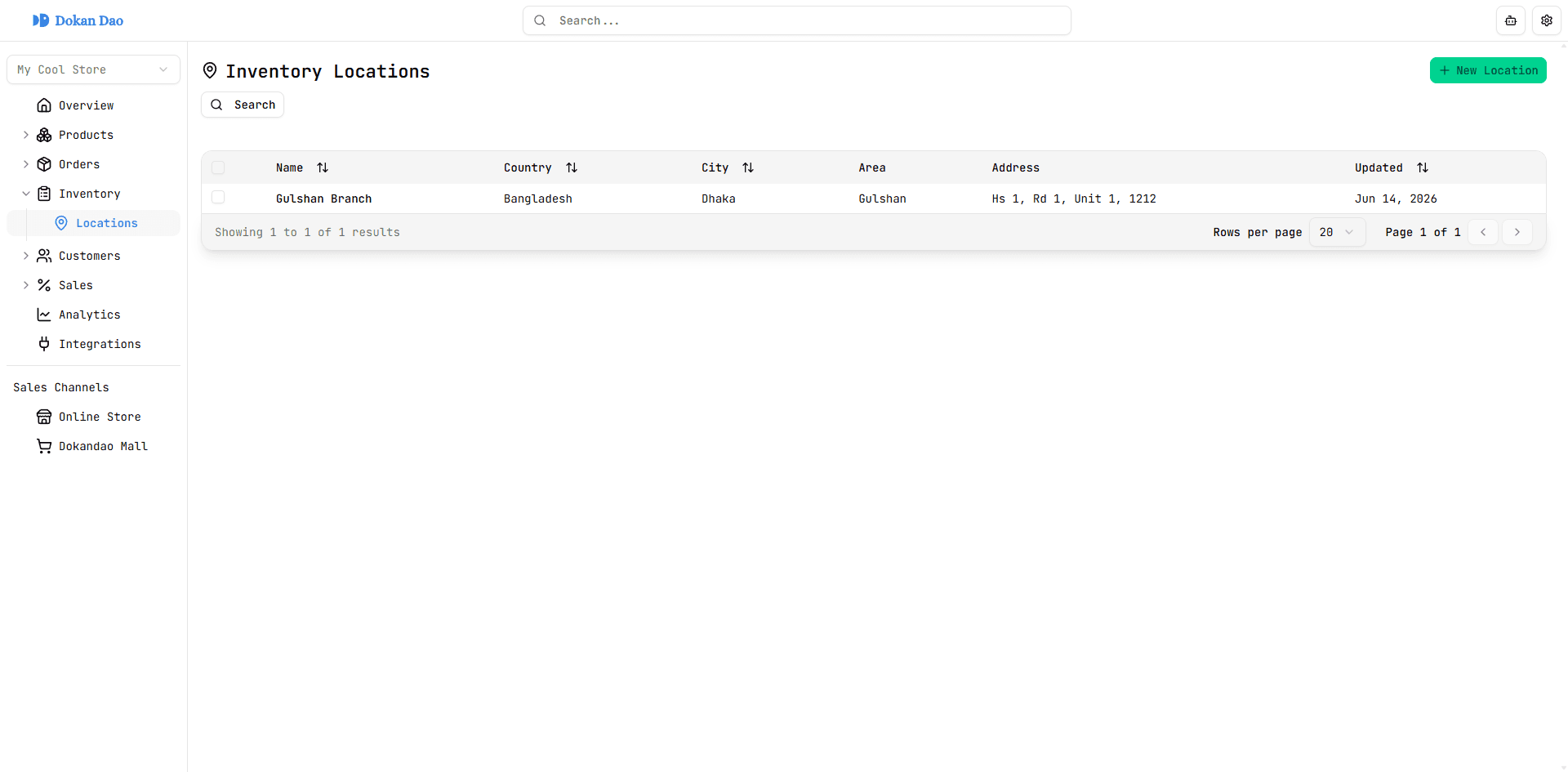
Switch between locations, search products, and edit stock quantity per variant — all from one table.
Inventory connected across your operation
Inventory module
Stock operations in one place
Location switcher
Jump between warehouses and shops from the global inventory view — defaults to your first configured location.
Product search
Toggle search and filter stock rows by product name with debounced lookup across the active location.
Variant-aware rows
See colour-coded variant badges (for example Size: M) alongside stock quantity in every table row.
Inline stock edits
Open Edit Stock Quantity from any row — update the count and save without leaving the inventory view.
Track inventory toggle
Enable or disable quantity tracking per product from Overview — on by default for new products.
Continue selling toggle
Choose whether customers can purchase when out of stock — configurable per product from Overview.
From locations to fulfilment.
Configure where stock lives, track it at the product and variant level, reserve it for orders, and pick from live counts when fulfilment begins.
Location-first inventory view
Switch between warehouses and shops, search products by name, and see variant badges with stock quantity per row. Edit quantity inline from the table or card layout on mobile.
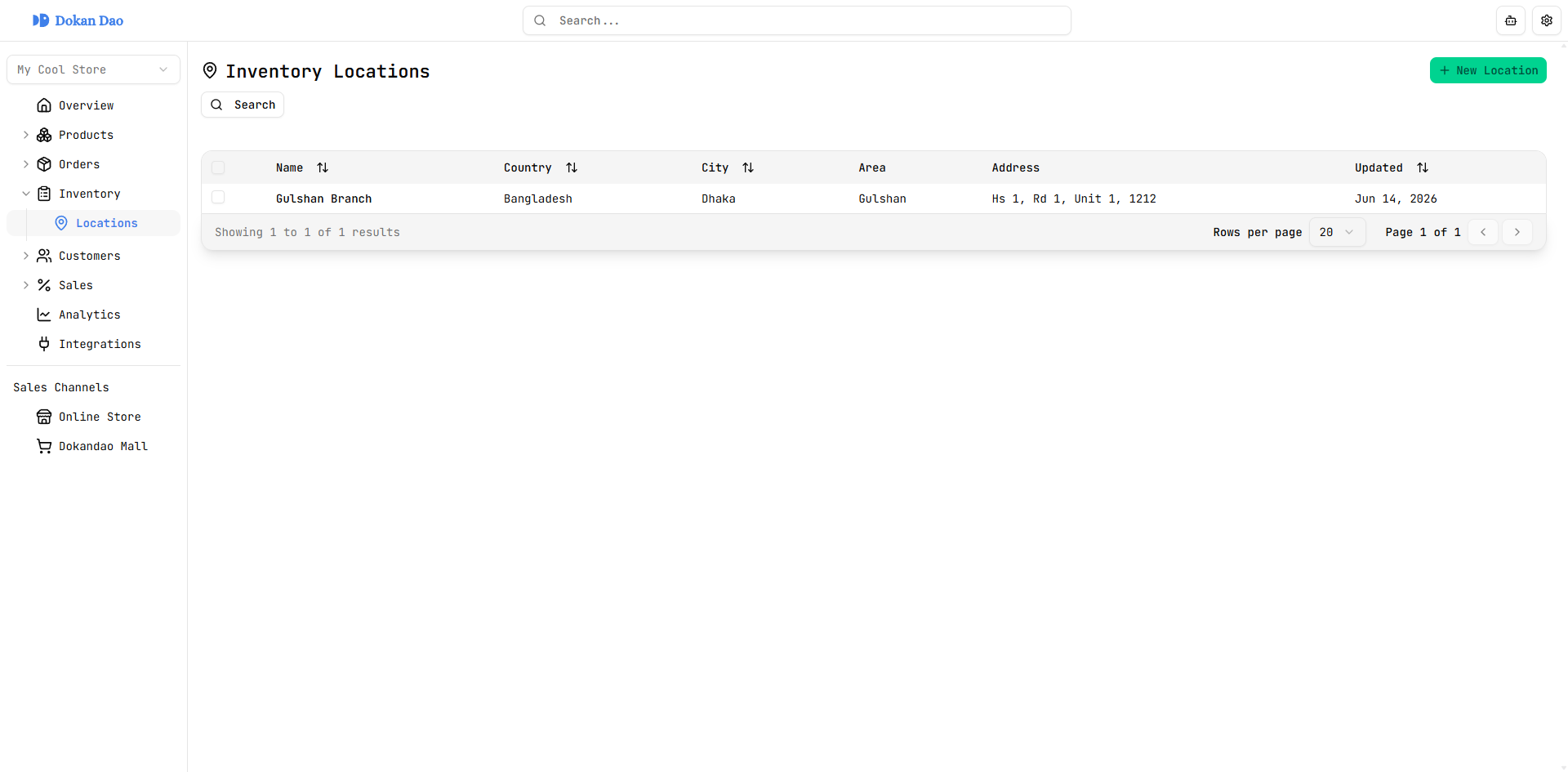
Locations
Structured addresses for every stock room
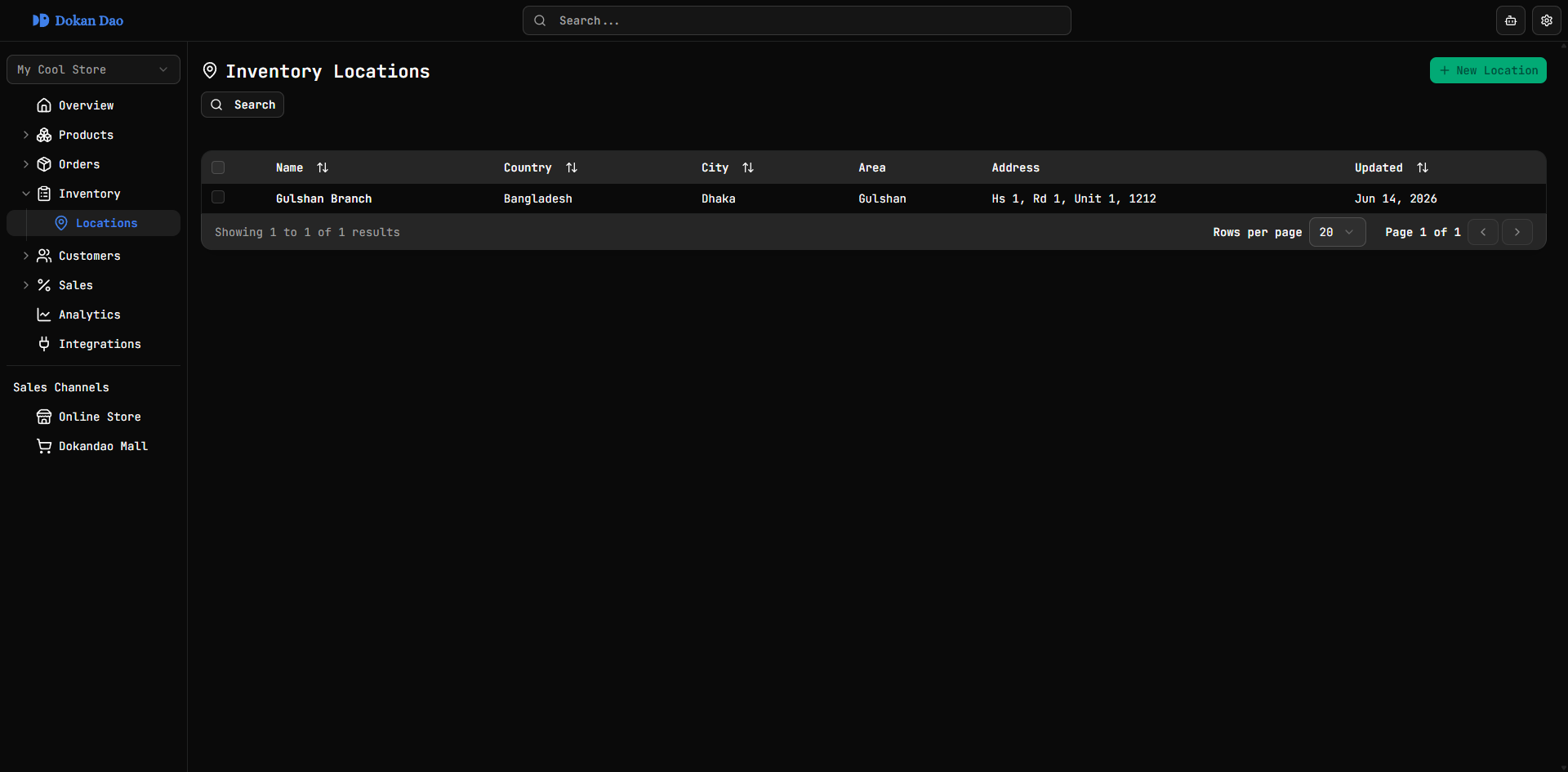
Create locations with name, country, city, area, zip, street, building, and unit fields. The list shows every address column at a glance — and onboarding guides you to add your first warehouse, shop, or stock room.
Product & variant stock
Catalog-wide and SKU-level tracking
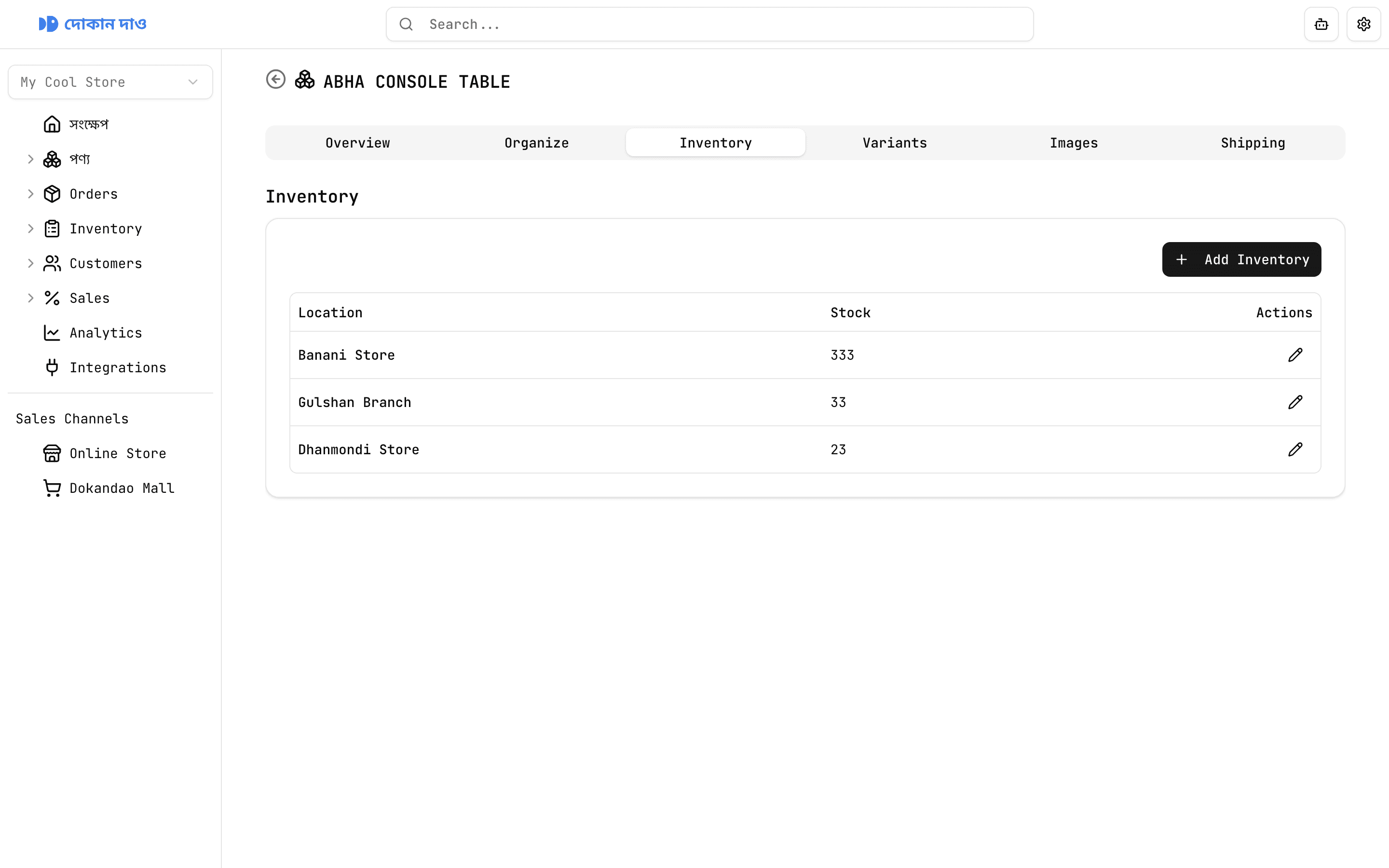
The products list includes a sortable Inventory column with total quantity. Drill into any product or variant to add stock at specific locations — so social, storefront, and in-store sales draw from the same numbers.
Stop overselling before it becomes a cancelled order
Without Dokandao
Stock counts living in notebooks, WhatsApp threads, and guesswork
Selling sizes and colours that are not actually on the shelf
No idea what is already committed to open orders
Fulfilment teams picking from the wrong warehouse
With Dokandao
Multi-location inventory with product, variant, and location records in one dashboard
Variant-aware stock rows and per-SKU inventory in the variant editor
Reserved inventory view with order links, status badges, and expiry dates
Location selection at fulfilment time with live counts and pickup addresses