

Your catalog. Fully under control.
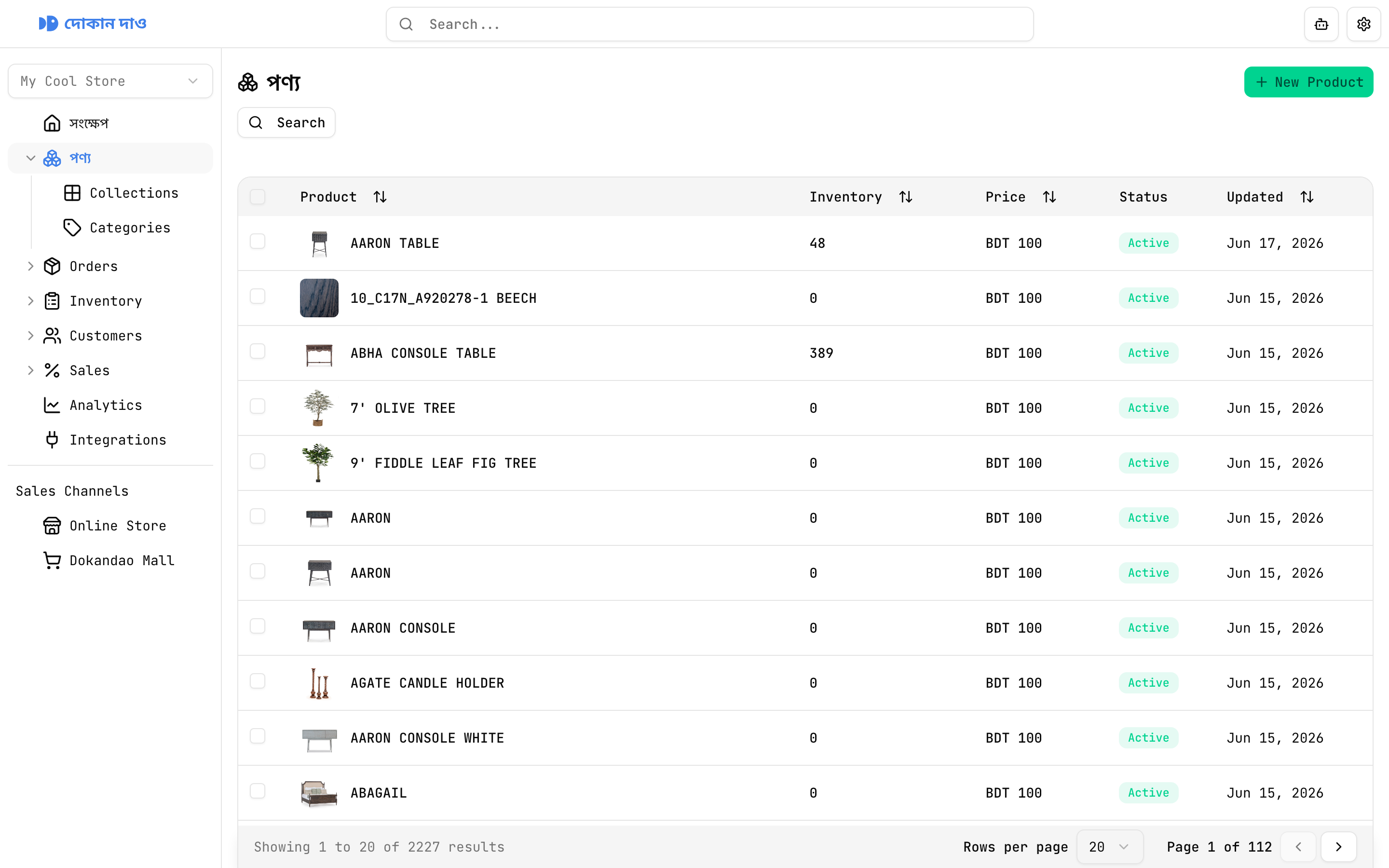
Add products once with rich descriptions, variants, media, and shipping rules. Search, sort, and paginate through your entire catalog — then drill into six detail tabs when you need to go deeper.
Edit name, rich-text description, price, primary image, active status, and inventory settings — all from a single Overview tab.
Everything you need to list and sell
Product list
Find and manage every SKU
Search & sort
Search the catalog and sort by product name, inventory quantity, price, or last updated date.
Structured columns
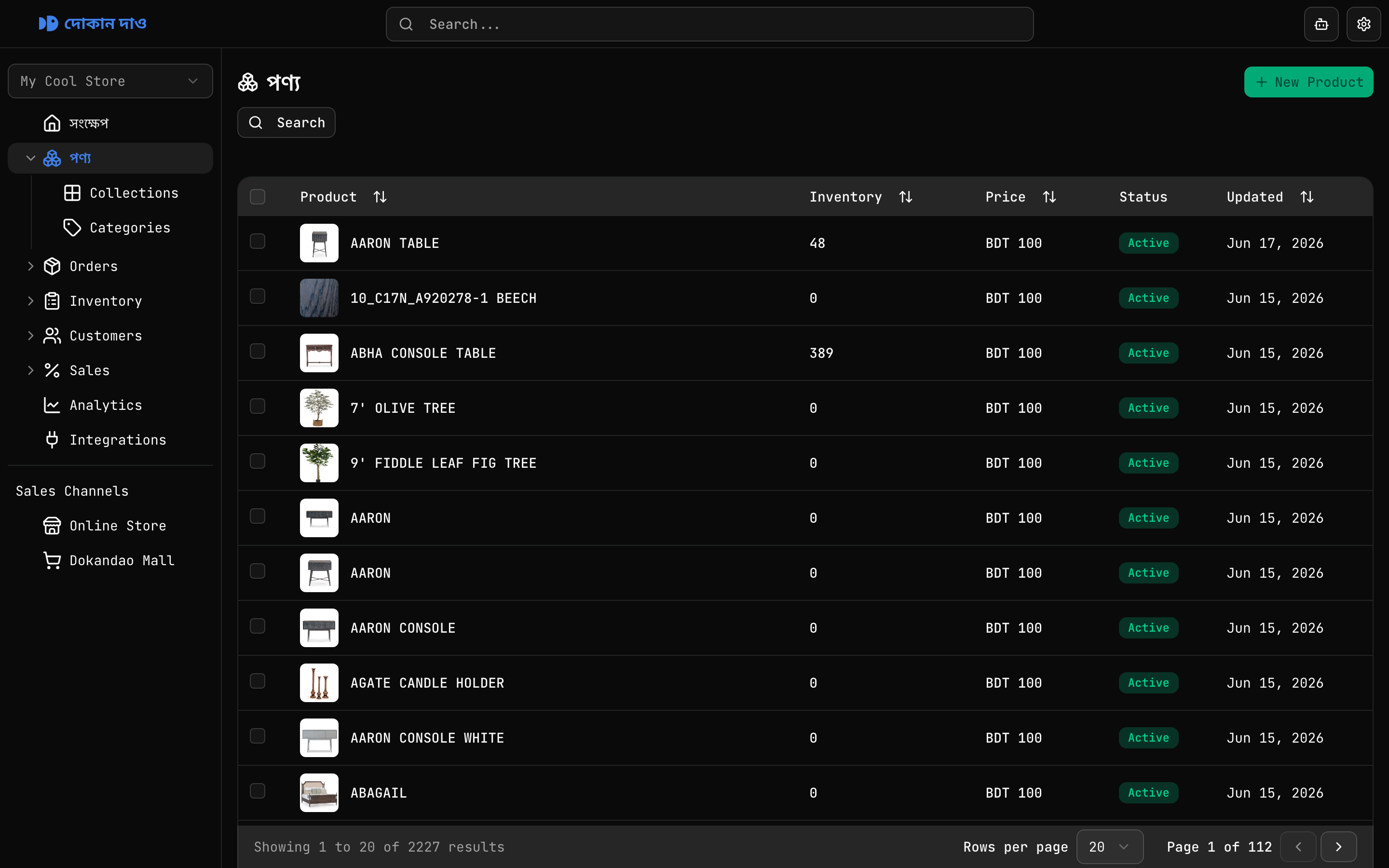
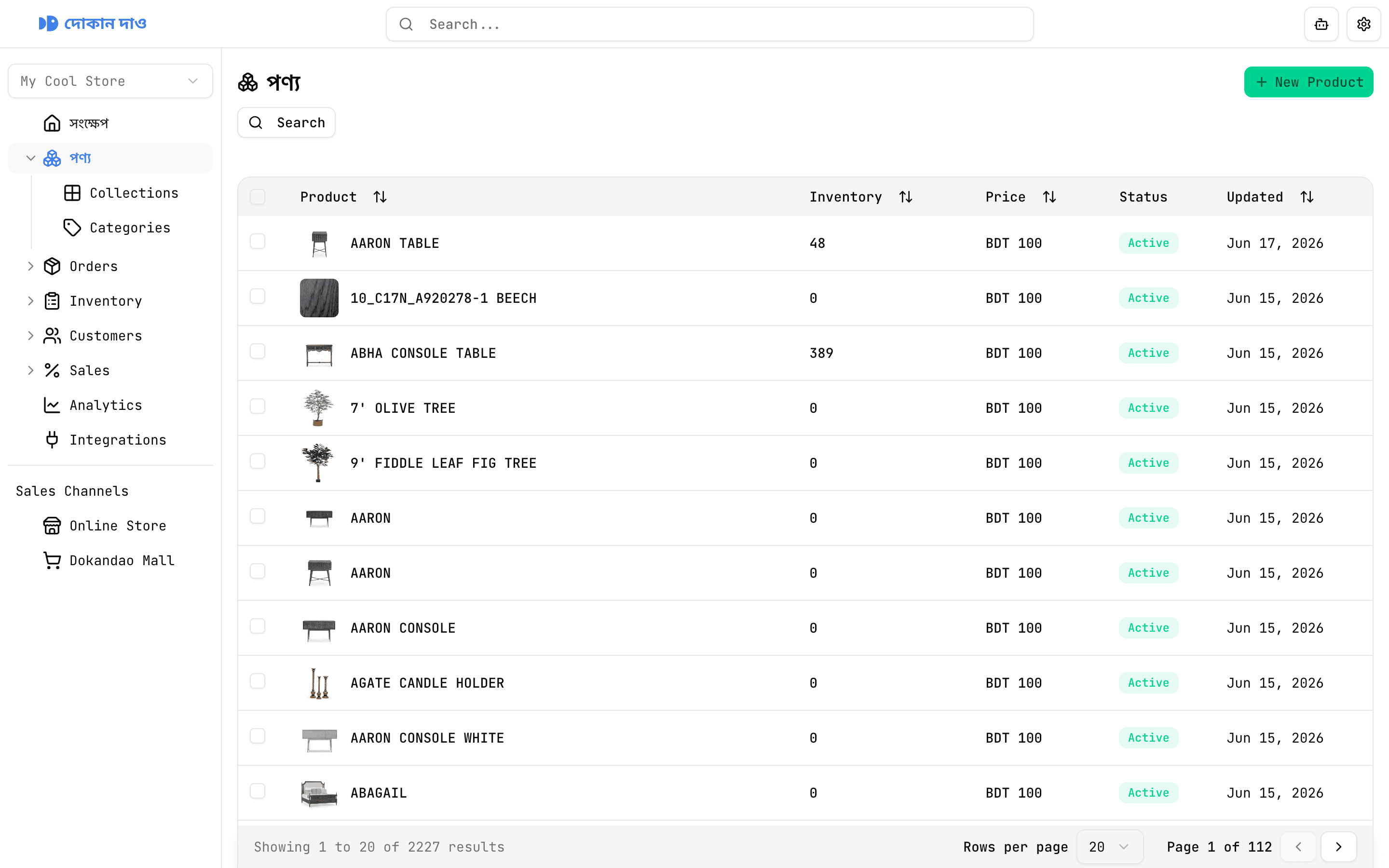
See image, name, inventory, price, status, and updated date at a glance across paginated rows.
New Product workflow
Create a product with name, rich-text description, price, image, and inventory settings in one form.
Active & draft statuses
Control whether a product is live on your storefront or saved as a draft until you are ready.
Inventory toggles
Track quantity per product and choose whether to keep selling when stock reaches zero.
Row selection
Select individual rows or every row on the page — ready for bulk workflows as the platform grows.
Six tabs. One product record.
Product editing goes far beyond a single form. Open any product and move between Overview, Organize, Inventory, Variants, Images, and Shipping without losing context.
Everything about a product in one place
Edit name, rich-text description, price, primary image, active status, inventory tracking, and continue-selling-when-out-of-stock — then save from a single Overview tab.
Create product
Rich descriptions from day one
The create form includes a full rich-text editor — headings, lists, bold, italic, alignment, code blocks, and more. Set price, upload a primary image, and configure active status plus inventory behaviour before you publish.
Organize & merchandising
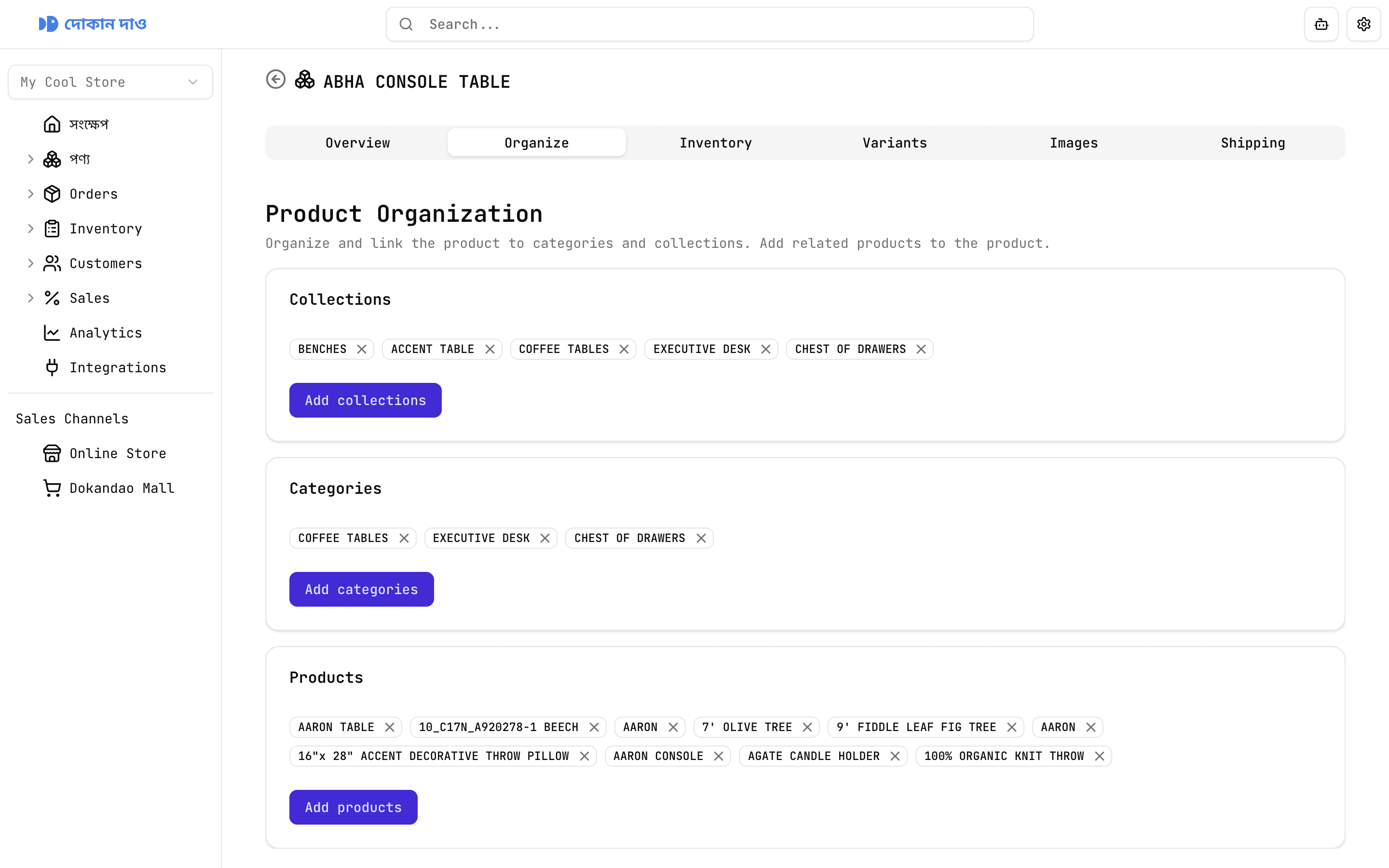
Collections, categories, and cross-sells
Link products to collections and categories for storefront navigation. Add related products so shoppers discover more of your catalog. Every relationship is staged in a searchable, paginated selector.
A better way to manage products
Without Dokandao
Product details scattered across WhatsApp chats, notes, and spreadsheets
No variant support — every size and colour is a separate manual listing
Shipping weight and rates figured out ad hoc for every order
One product photo pasted wherever you remember to upload it
With Dokandao
One searchable catalog with image, price, inventory, and status in every row
Option-driven variants with auto-generated combinations from Size, Color, Material, and more
Per-product dimensions and domestic rates in BDT with COD and delivery estimates
Dedicated assets tab for images and video up to 10 MB per file